
Returning Parent Login
New Parent Portal
Login Guide
Creating an Account in the Parent Portal
STEP 1
Click Here to Register on MyClubHub.
STEP 2
Enter your information and click Submit.
STEP 3
Check your email for a link to create a password for the Parent Portal.
STEP 4
Create a password and login here.
Once your account is updated and confirmed, you will be ready to sign up your child!
Enrolling in a Membership
STEP 1
To enroll your child for a membership, click the blue Browse
Membership Button.
STEP 2
Select the primary Clubhouse where you’d like to enroll (whichever Club you anticipate enrolling in the most programming).
STEP 3
Find the Membership you would like to sign your child up for and then click select.
STEP 4
Select the child you want to enroll in the Membership OR add a child to your account by selecting the Add Household Member button.
If adding a new child to your account, fill out the child’s information and then select that child to register. Click Next.
STEP 5
Fill out all applicable Membership Questions for this child and click Next.
STEP 6
Please read the required contracts, sign contracts and then click next
STEP 7
Review the registration(s) and proceed to checkout.
STEP 8
Click Make Payment. Enter Billing and Credit Card Info. If signing up for school year, please choose card you want to use for monthly auto-pay. Click Process Transaction.
Registering for Programs
STEP 1
After enrolling in a membership, register your child for Summer Weekly, Field Trips, Specialty Camps, or Sports Leagues, click the blue Browse Program Registrations button
STEP 2
Above the program search box, confirm that your location is correct. If you need to, you can click change to update your location.
STEP 3
Select the Category of program you are looking for. If searching for any type of program sign up, you can select a program type to further narrow your search.
STEP 4
In the center of the page, you will see available Courses based on the Location, Category, and Program you have selected. Click the blue Options button to see available programs and choose which program you’d like to enroll in.
STEP 5
After selecting Enroll, you will then select which child you’d like to enroll. Once you have selected your child(ren), click Save. If you would like to enroll in another program, repeat the same process from above. Once done choosing all programs, at the top of the Program Registration page, click Next.
(To enroll in Summer Field Trips or Specialty camps, you
must be enrolled and have paid for the weeks first.)
STEP 6
Review the registration(s) and proceed to checkout.
STEP 7
Click Make Payment. Enter Billing and Credit Card Info. Click Process Transaction.
Our Mission
To empower all young people, especially those who need us most, to reach their full potential as healthy, caring and contributing members of society.
Join a Club, become a Member, and register today!
Ways to Qualify for Financial Assistance:
Expanded Learning Opportunities Program (ELOP)
Through schools for before/after care.
Click here to learn more about ELOP
Children’s Home Society (CHS)
Income-based help for eligible families.
Military Youth Outreach (MYO)
For military families (ages 5–18).
Locations
Locations in
Laguna Beach
Locations in Saddleback Valley
Programs

After School Programs
We provide a safe, fun and positive environment as well as quality programs that inspire and prepare club members to have a great future.
Early Childhood Programs
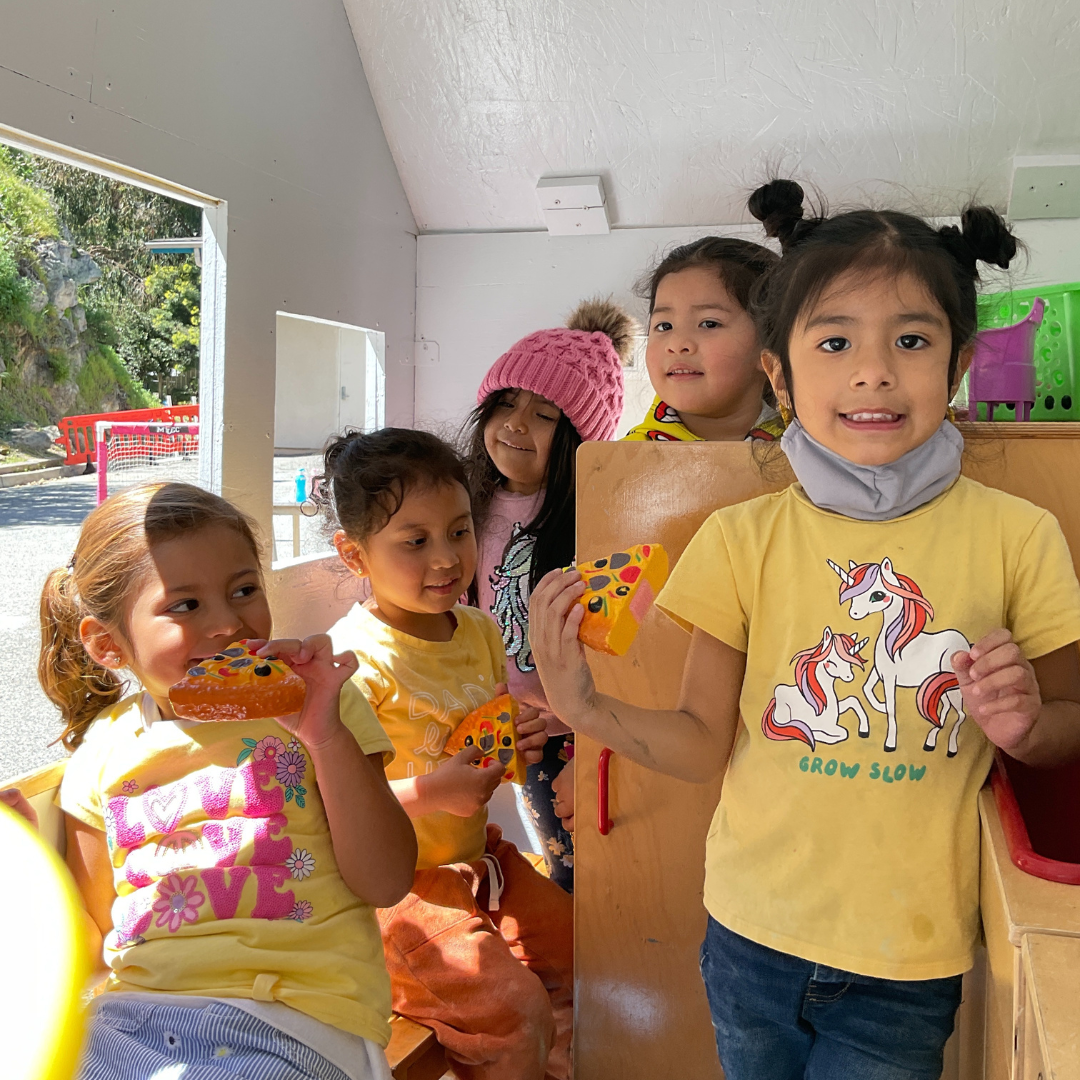
Offering Preschool, Transitional Kindergarten, and Kindergarten (Kinder Buddies) at limited locations.
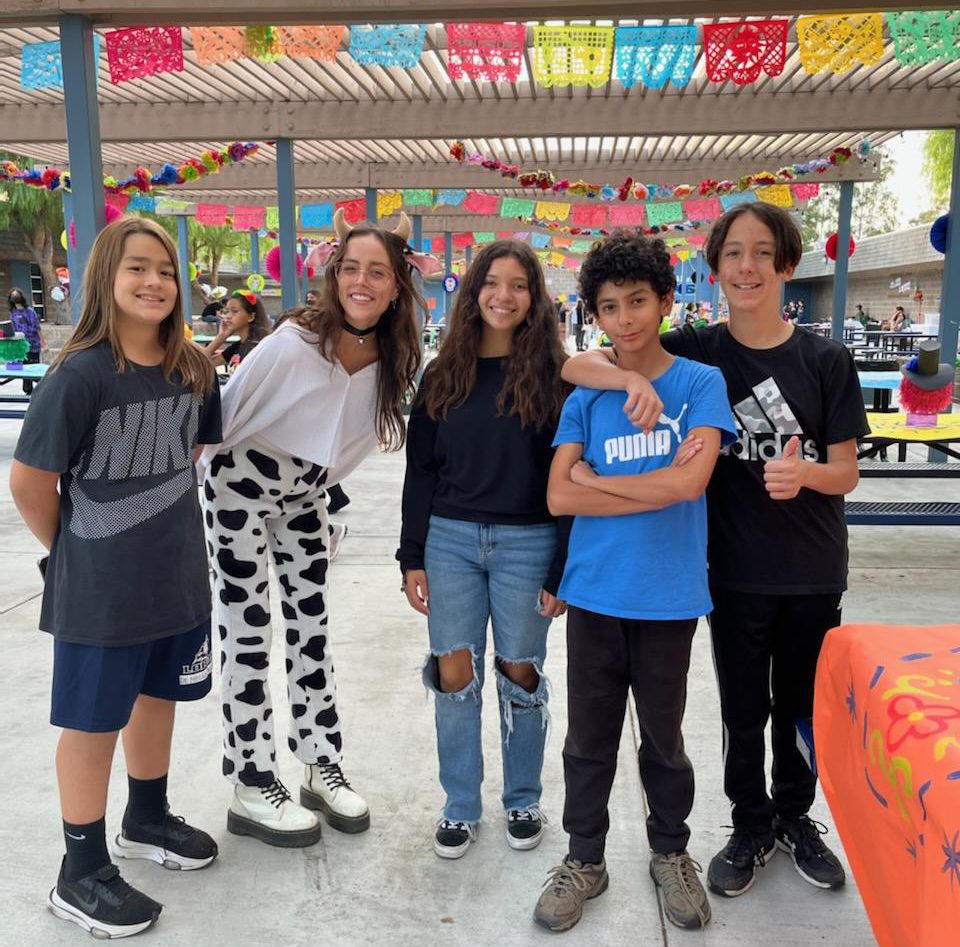
Middle School Programs
Serving middle schoolers in Laguna Beach and surrounding areas including Saddleback Valley.
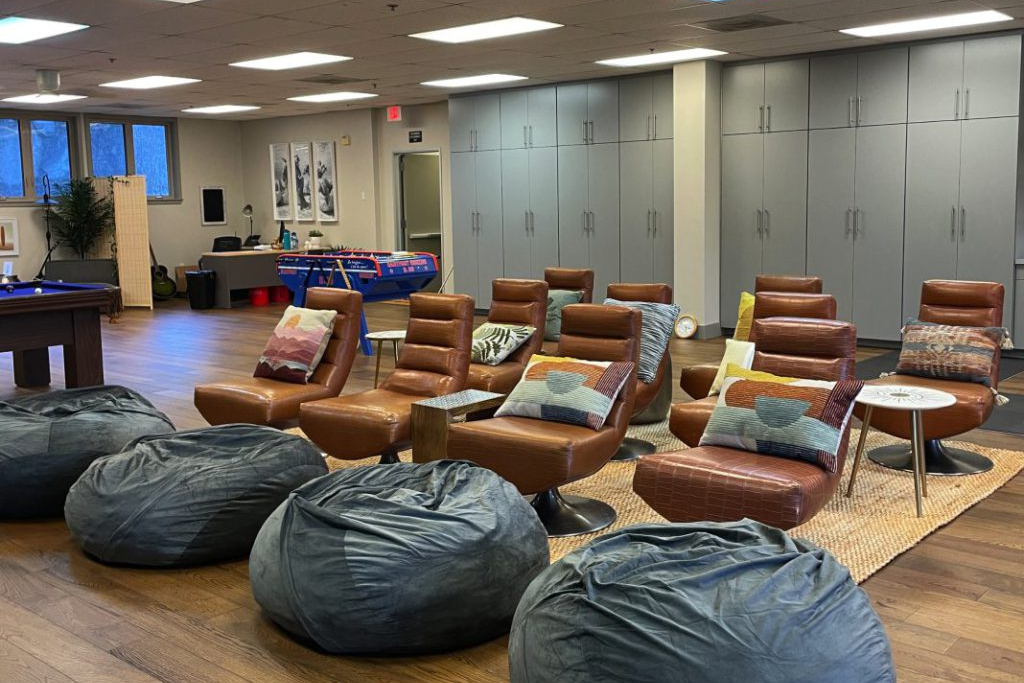
High School Programs
The Port Teen Center of Boys & Girls Club of Laguna Beach is a space designed for high school students by high school students (grades 9th-12th).
Questions?
Please use the following information to contact us about registration, programs, etc.:
info@bgclaguna.org
(949)494-2535
For more information contact our finance team at financedept@bgclaguna.org.